

Two modes, two keys
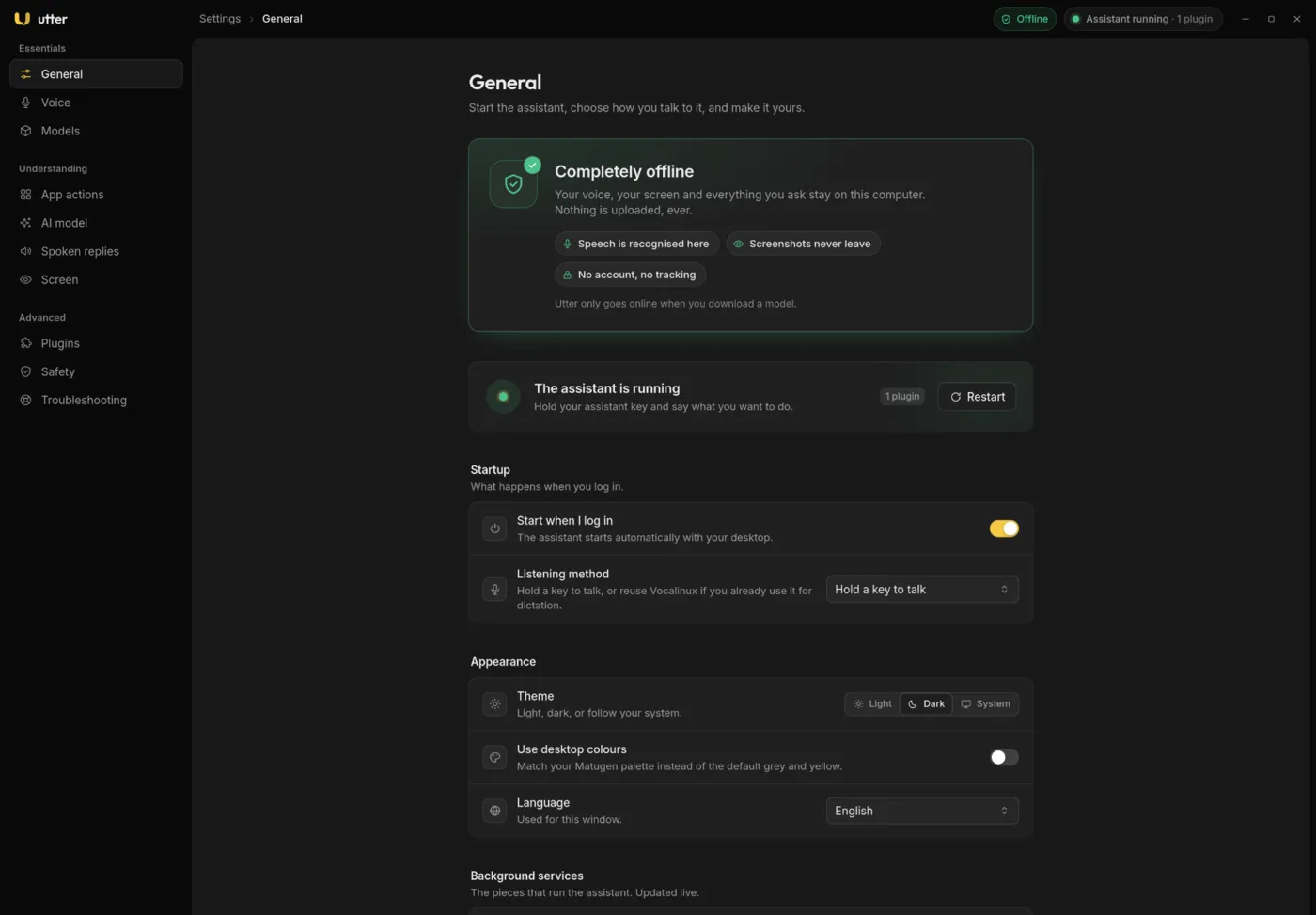
Hold the assistant key (Insert by default) to run a command. Hold the dictation key (F13 by default) to type what you say. Each mode has its own sound and waveform colour.


curl -fsSL https://utter.sujaisubbanna.com/install.sh | bashIn a terminal this opens an interactive wizard. Piped without —yes it only prints the plan and changes nothing. Linux on Wayland, x86_64.

Hold the assistant key and speak, or hold the dictation key to type what you say into any field.
Open apps and websites, focus and close windows, switch workspaces, control media, press app shortcuts.
Most commands match fast, predictable rules. A small local model only chooses among prepared actions. It never invents commands.
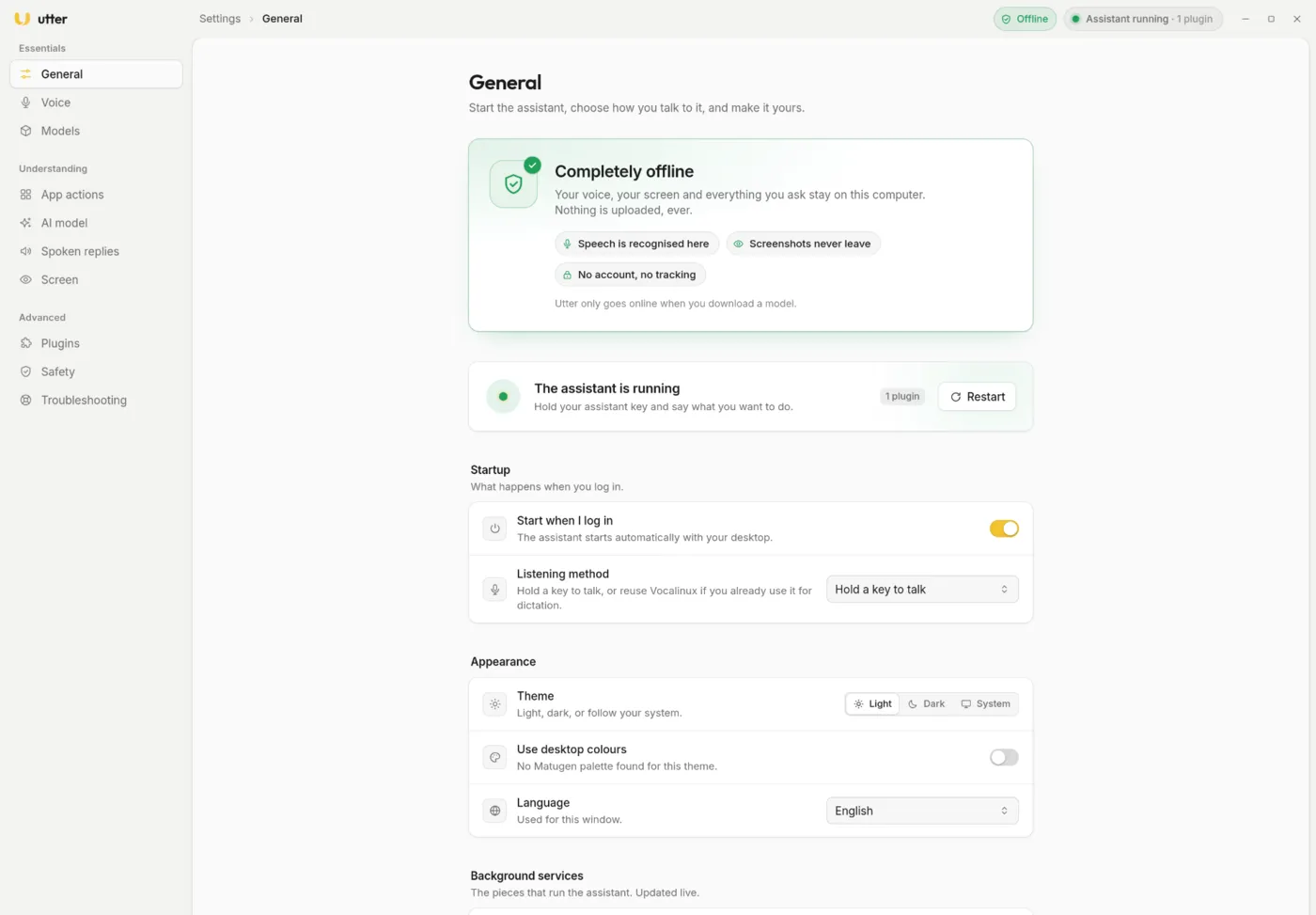
Speech recognition, AI models and screenshots all stay on your machine. No account, no telemetry.
Say “go to sleep”, or just stop using it for a while, and the models unload. Hold a key to wake it in a fraction of a second.
Two modes, two keys
Hold the assistant key (Insert by default) to run a command. Hold the dictation key (F13 by default) to type what you say. Each mode has its own sound and waveform colour.
Understands context
Utter knows which app is focused and what is on screen. It uses accessibility information first and takes a screenshot only as a last resort.
Per-app actions you can edit
More than 100 app profiles with their shortcuts. Change any key combination from the settings app or a YAML file.
Safe by default
Terminal commands and raw input stay off until you turn them on. Important actions ask first. Screen text can select, but never author, an action.
Built with AI coding assistants and reviewed by a human. Read the code before trusting it with anything important, and report anything that looks wrong. Apache-2.0.